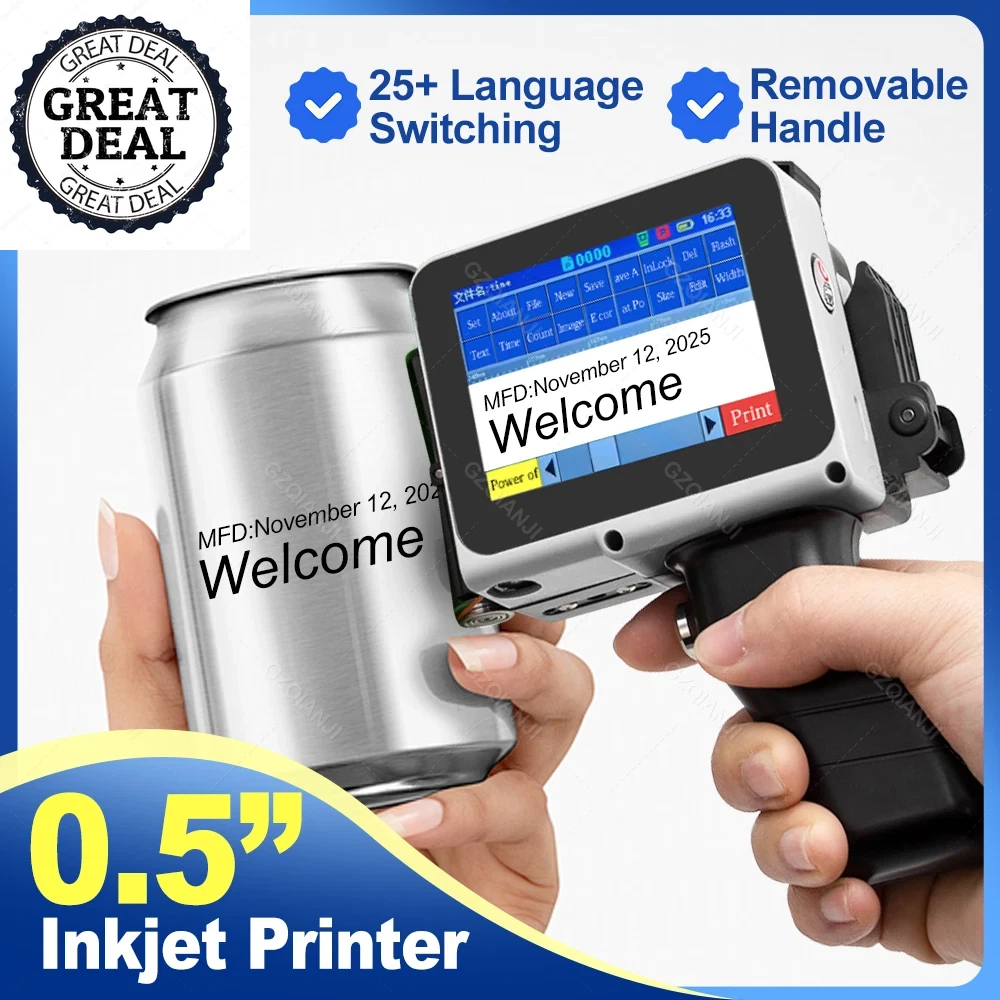
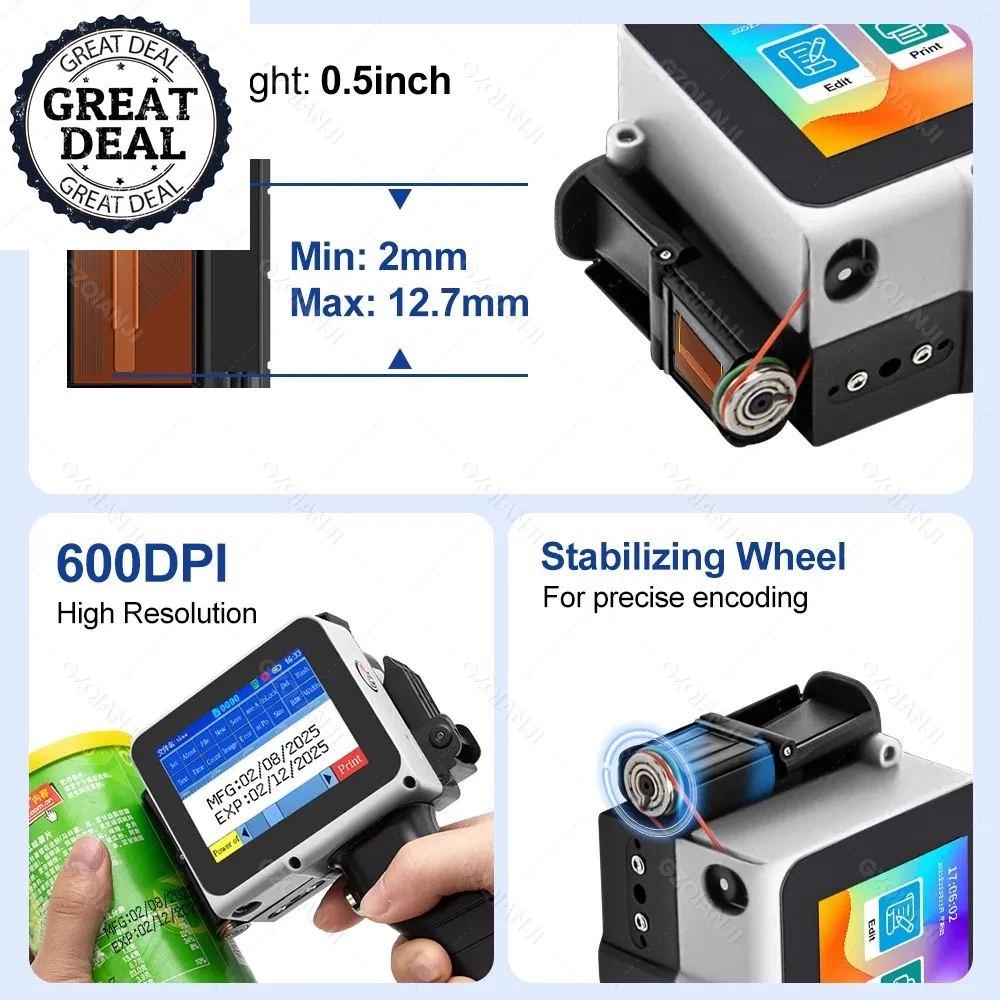
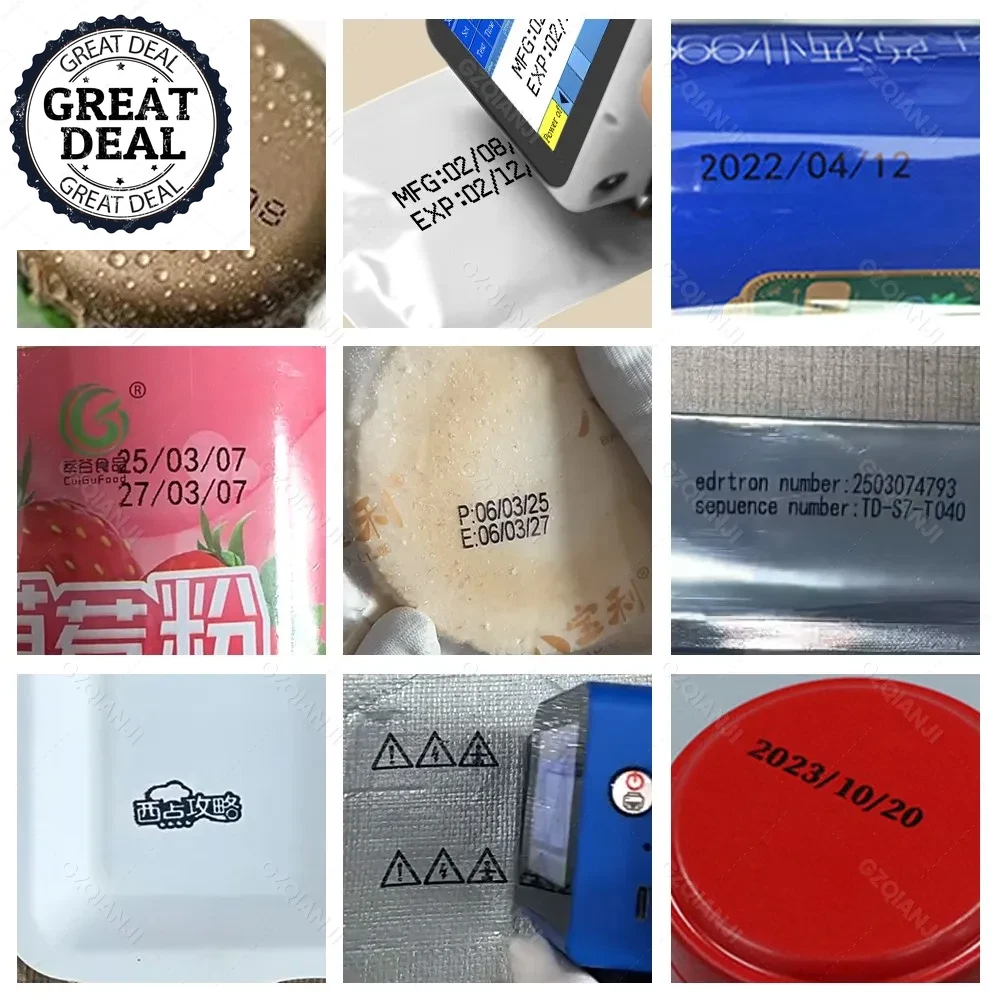
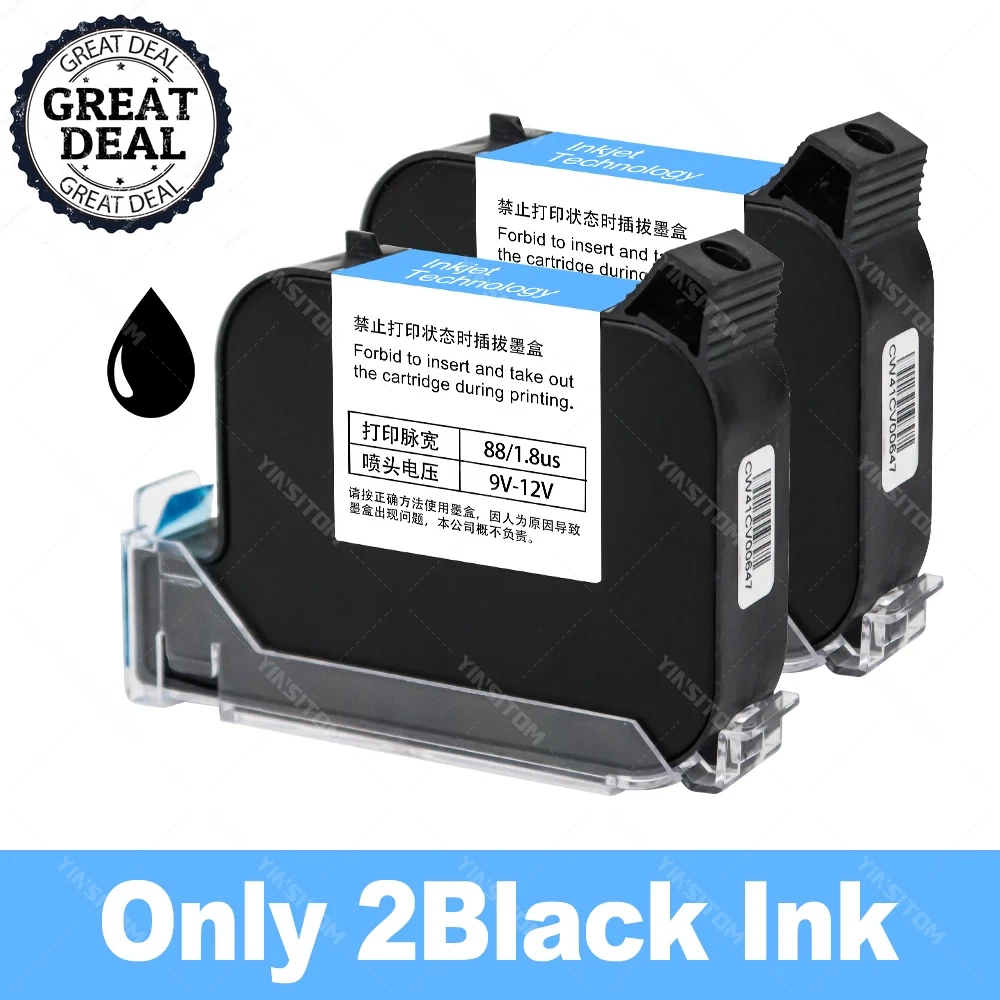
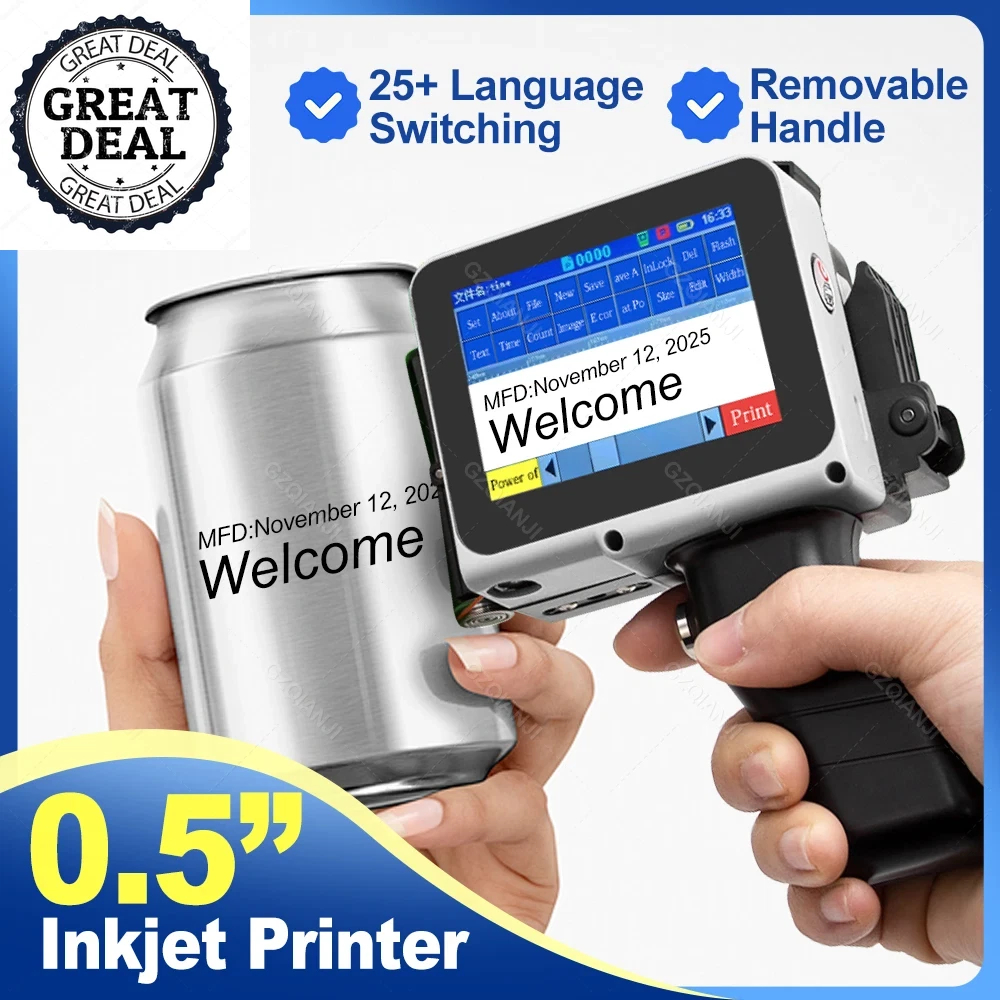
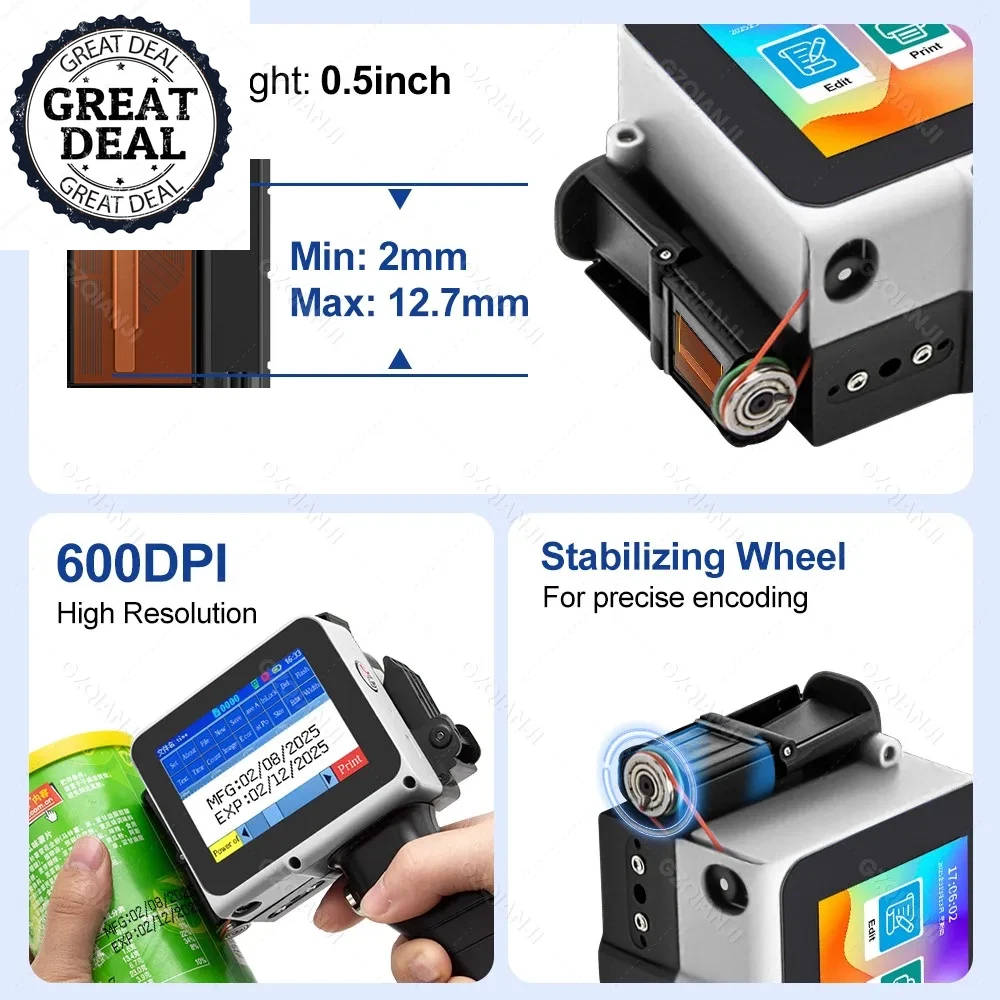
0.5inch (2-12.7mm)Handheld Inkjet Printer Text QR Code Image Batch Number Identification Date Label Printing Machine Multi Material Printing
Product advantages:
Non-encrypted: Local purchase of ink cartridges is more convenient.
Supports more than 25 languages: Meets the needs of a diverse global customer base.
Built-in encoder: More stable and efficient.
Embedded intelligent operating system: Easy to operate and user-friendly.
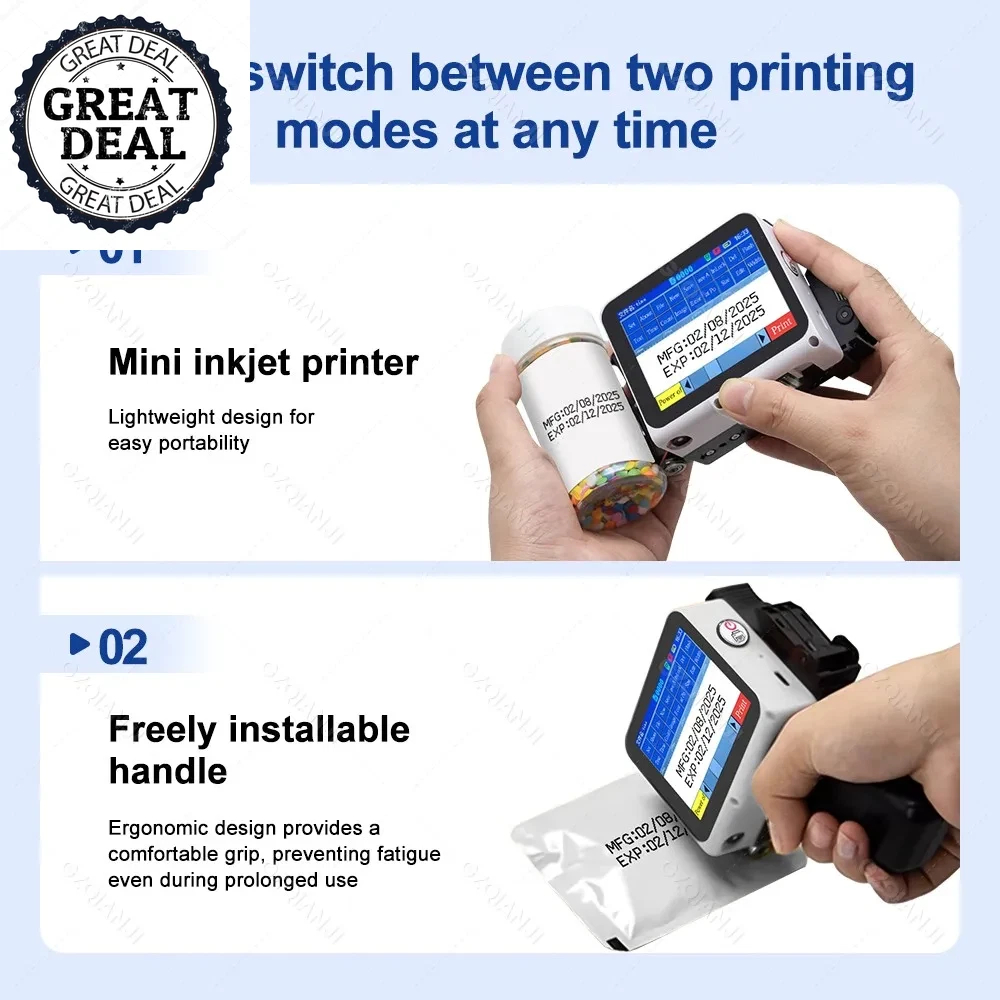
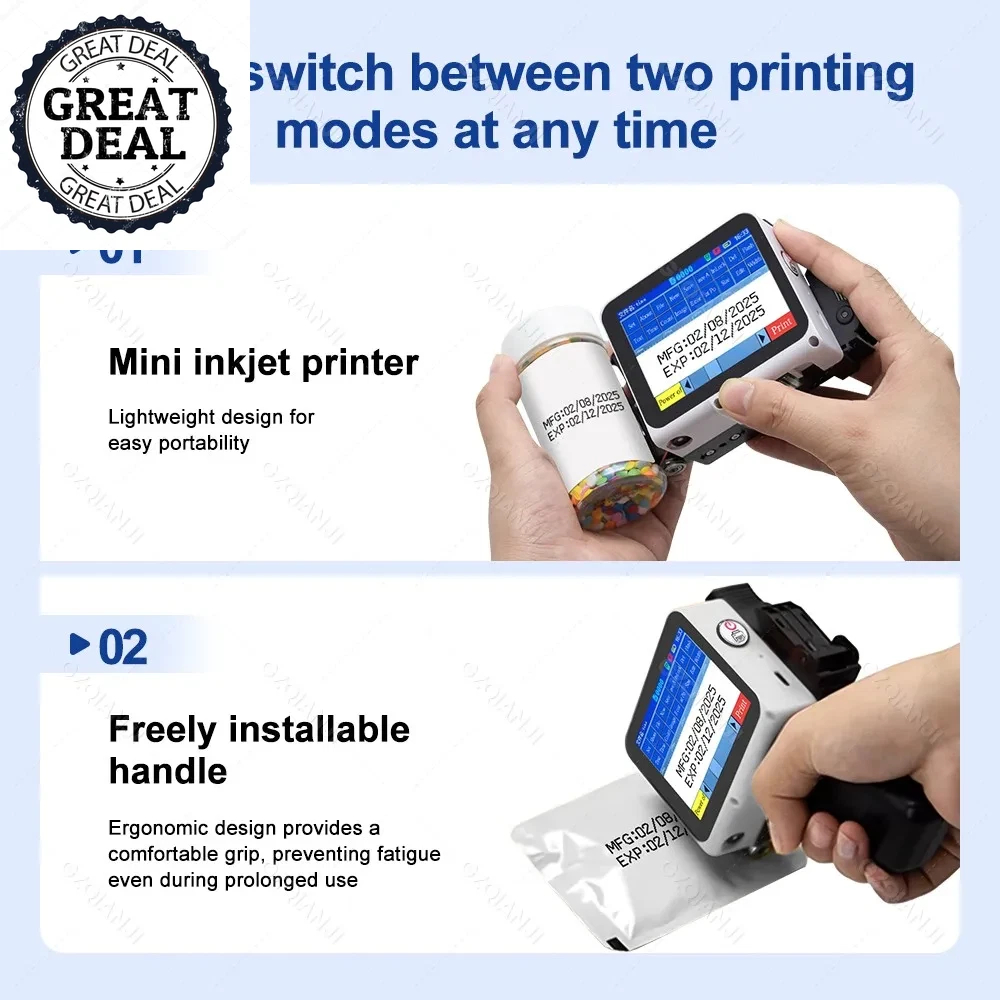
Removable handle design meets the needs of different scenarios, is portable and stylish, and follows ergonomic principles


Q:How to better extend the life of the printer ?
A:Before installing and removing ink cartridges, be sure to turn off the printer.
Q:How to better protect the ink cartridge nozzle?
A:When not using ink cartridges, please close the protective cover in time.
Dip a soft paper towel with a small amount of a l c o h o l before using, and then gently wipe the nozzle in one direction.
Q: What should I do if the printer cannot print?
A:
①Check whether the rubber ring on the left side of the printer is off (not in the groove).
②Check if there the ink cartridge is installed properly.
③Switch the nozzle of the printer in the settings.
④ After turning off the printer, reinstall the ink cartridge.
⑤If you have completed all the above operations and the machine still cannot operate normally, please contact customer
service in time.
Q: The ink cartridge of the printer can print, but the printing is not clear, what should I do?
A:
①Check whether the ink cartridge nozzle is clean and dry, and wipe the nozzle carefully with a clean soft tissue.
② Take out the ink cartridge when the printer is off, shake the cartridge several times, and stick a clean tissue on the
surface of the nozzle to divert the ink.(Ask customer service for operation videos)
③Switch the nozzle of the printer in the settings.
④The above operation still cannot be solved, please consult customer service.
Q: What should I do when there is a printer phenomenon of wire drawing?
A: The ink cartridge is quick-drying. When there is a phenomenon of wire drawing, please wipe the nozzle carefully with a clean
soft tissue and switch the nozzle of the printer.
When not using the ink cartridge, please install the cover in time.
Q: Can the printer be charged?
A: Yes.
TIPS:Please use our special charger to charge the printer.
When the printer is stored for a long time and not in use, it is recommended to safely charge and discharge it every three months.